Onboarding
Welcome. Let us get your site started.
The onboarding form for new GetRealtorWebsite clients. Fill in what you have, submit, and send anything missing later by email or from your client portal.
How the build runs
Step 1
You pay the first month
Paid through Stripe when you order, and the plan renews monthly. The build fee is not charged yet.
Step 2
You fill in this form
It takes about 15 minutes. Anything you do not have yet can follow later.
Step 3
One onboarding call
We walk through your answers, fill the gaps, and agree the launch date.
Step 4
We build and launch
Live in 7 days on The Listing. The build fee is invoiced only once you have approved the site.
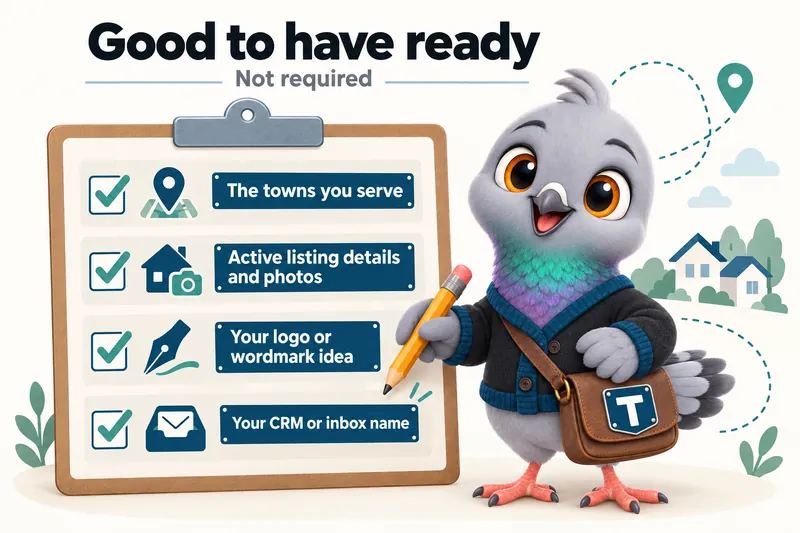
Good to have ready, not required
A list of the towns, cities or counties you serve.
Details and photos for any active listings.
Your logo, or a description of the wordmark you want.
The name of the CRM or inbox where inquiries should land.
After launch, everything runs through your client portal
You get an account the day the site goes live. From it you request revisions, raise a support ticket for anything that needs attention, send us files, and talk to the team directly. You get 5 revisions a month included, of any size, each completed within 2 to 5 working days. You never need to log in to the website itself.
Getting started
What happens straight after I buy?
You fill in the onboarding form, which asks for your listings, the areas you serve, your brand, your domain and where inquiries should land, and it takes about 15 minutes. If something is missing, submit anyway: you can send the rest by email or raise it as a ticket in your client portal, and it will not hold up the build. We then run one onboarding call to fill any gaps and agree the launch date.
How many areas can I list, and does it cost extra to add more later?
List every area you serve during onboarding and each gets its own page at launch. Adding an area later is a revision like any other, and 5 revisions a month are included on every plan, so most agents add a new area without an extra charge.
What is the client portal?
It is your account with us, and you get it the day your site goes live. From the portal you request revisions, raise a support ticket for anything that needs attention, send us files you still owe us, and message our team directly. Everything to do with your site runs through it, so nothing gets lost in an inbox. You never log in to the website itself; we handle that side.